Record. Edit. Publish — all in one app.
A local-first screen recorder and video editor for Windows. No cloud, no share links, no tracking — everything stays on your machine. Native performance with .NET 10 + Avalonia.
v6.8.4 · ~340 MB · Windows 10/11 64-bit
See features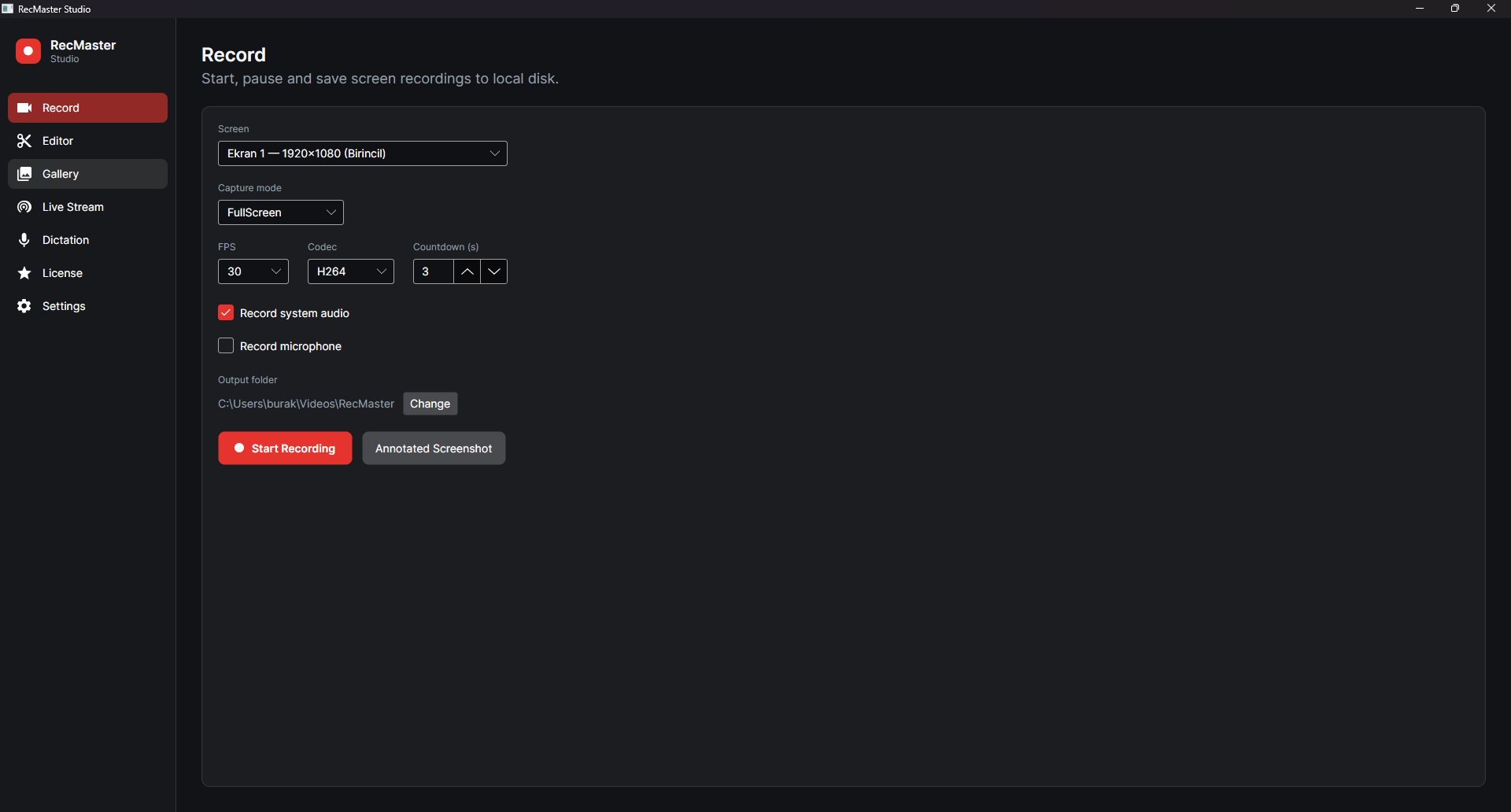
Everything you need, in one place
Screen Recording
Full screen or region capture; FPS and codec choice; countdown; system audio + mic; pause/resume; draggable floating toolbar.
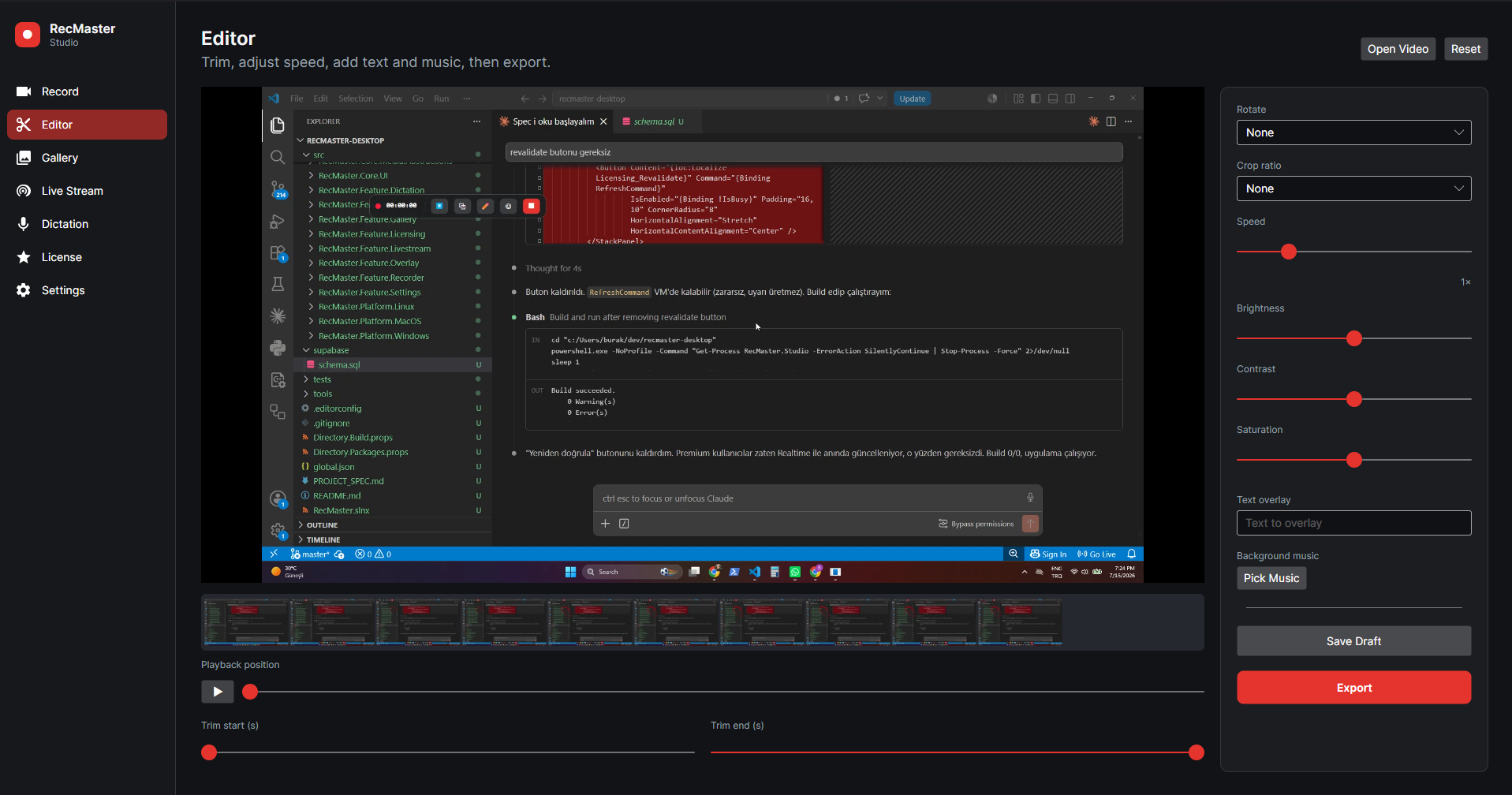
Video Editor
Trim, speed, rotate, aspect crop, brightness/contrast/saturation, text overlays, background music, export and drafts.
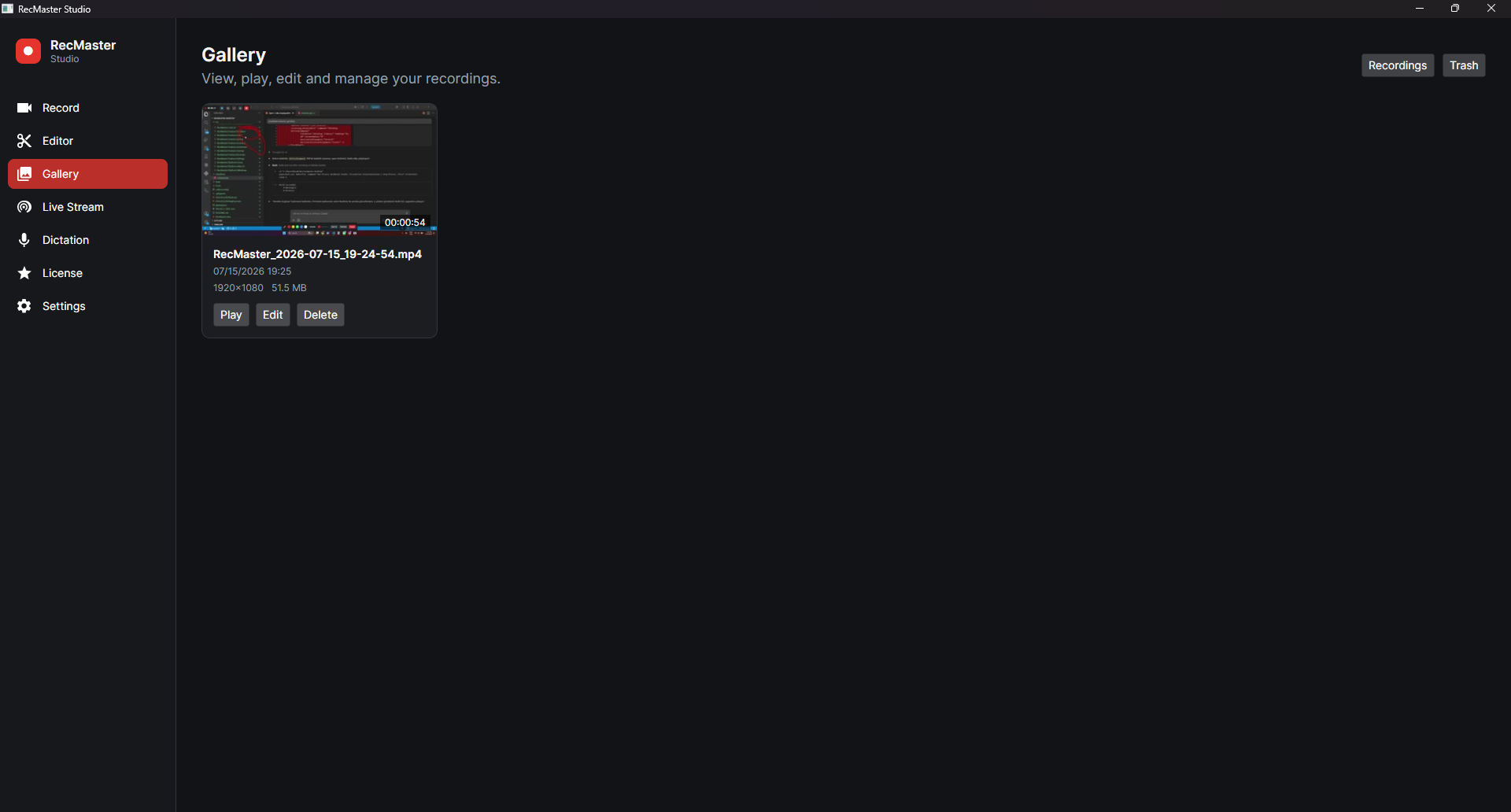
Gallery
View, play, edit, and manage recordings — with a recycle bin to restore or permanently delete.
Annotated Screenshots
Brush, arrow, rectangle, highlight, text, and blur; undo; save or copy.
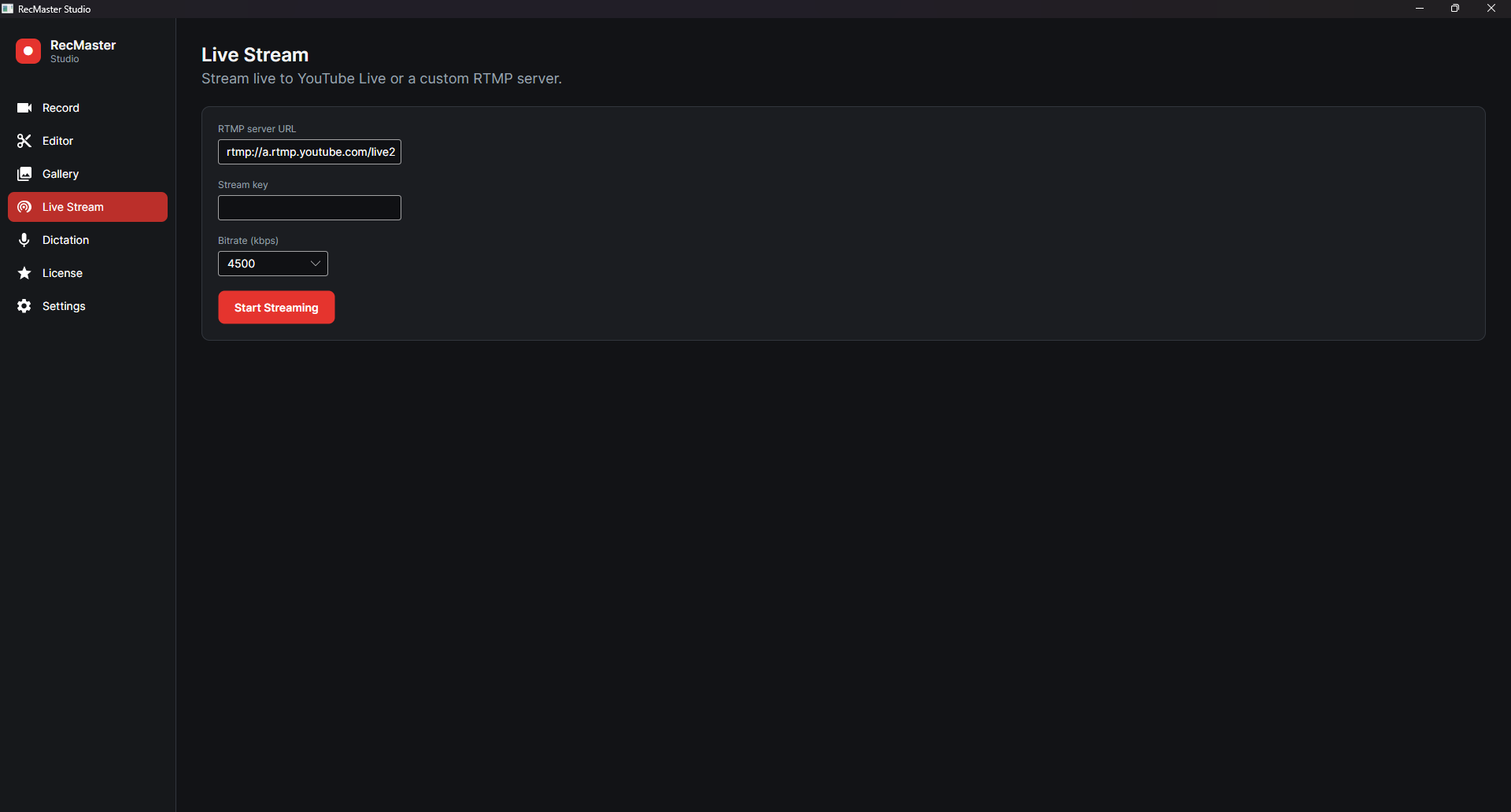
Live Streaming
PremiumGo live to YouTube or a custom RTMP server; stream key, bitrate, dropped-frame indicator.
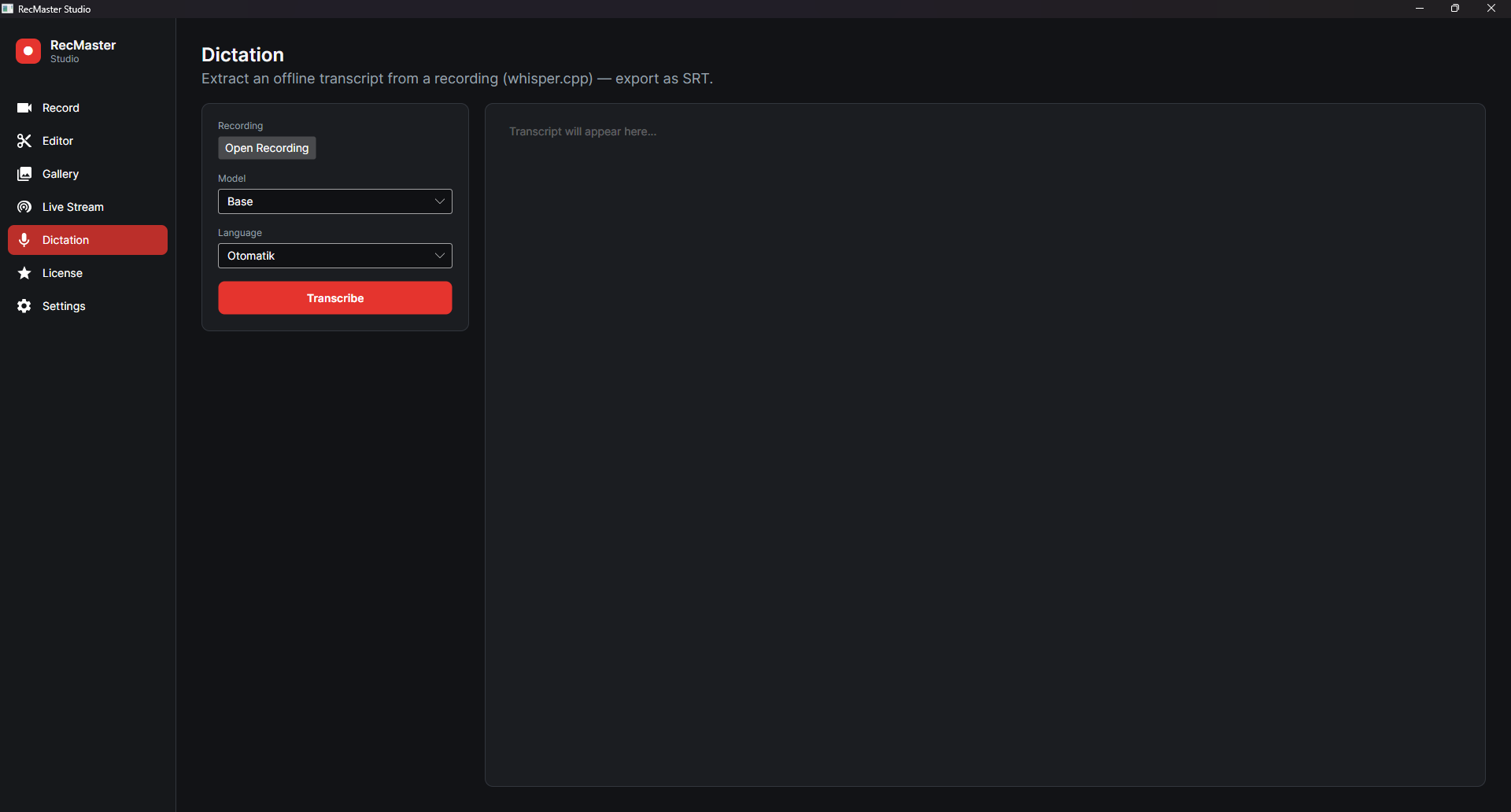
Dictation / Transcript
PremiumOffline transcript (whisper.cpp), model + language choice, export SRT and copy text.
Floating Toolbar
Controls while recording; customizable opacity and size, remembers its position.
18 Languages
Full localization, including right-to-left (Arabic).
A closer look
Free vs Premium
| Feature | Free | Premium |
|---|---|---|
| Screen recording | ||
| FPS | 30 FPS | High FPS |
| Resolution | Up to 720p | Full resolution |
| Watermark | Yes | None |
| Video editor | ||
| Annotated screenshots | ||
| Live streaming (RTMP/YouTube) | ||
| Dictation / transcript (SRT) |
Simple, honest pricing
New accounts start with a free 7-day trial automatically. Sign in with email/password or Google.
Monthly
7-day free trial — no card required
Billed securely via Stripe · cancel anytime
Yearly
7-day free trial — no card required
Billed securely via Stripe · cancel anytime
Get started in three steps
Download & install
A single installer — no .NET install required.
Create an account
Your free 7-day trial starts automatically.
Record, edit, publish
Get your first recording in minutes.
Local-first. Your privacy, your control.
Your recordings stay on your device — no cloud upload, no share links, no tracking.
Frequently asked questions
Ready to record?
Download RecMaster Studio for Windows and try every feature free for a week.